XyzPilot is the 2D CAD/CAM system built for CNC machinists, setters, and operators. Exact geometry. No solver errors. Just results.
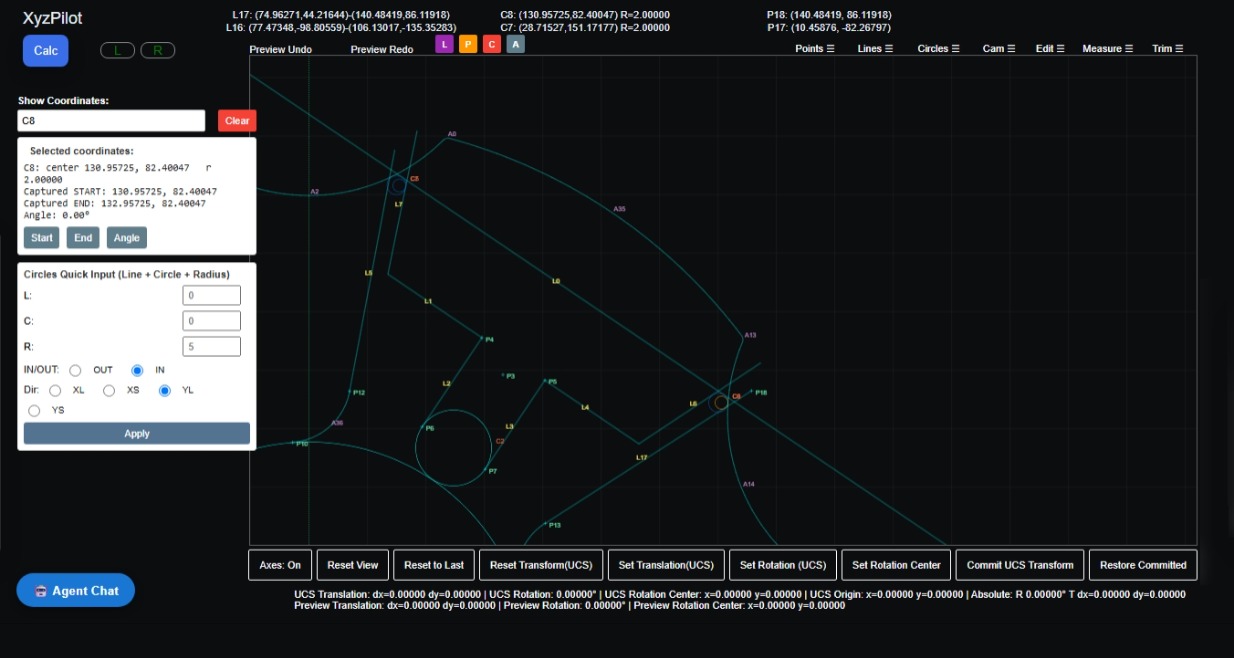
XyzPilot is a 2D CAD/CAM system built for CNC 3-axis milling workflows. Create and modify geometry, define machining features, and prepare CNC programs — all from a single, purpose-built interface.
Access XyzPilot from Microsoft Edge or Google Chrome. Sign in with your company credentials and start working immediately.
Familiar APT-style command structure for geometry and machining operations — intuitive for experienced CNC programmers.
Transient preview system shows geometry results before committing — reducing errors and speeding up your workflow.
Built-in safety guidance and data validation to ensure machining data is correct before it reaches the CNC machine.
Open your browser, enter your XyzPilot address provided by your administrator, and sign in with your credentials.
Use Points, Lines, Circles, Arcs, and Curves to build your component geometry using menu-driven commands.
Set machining features, toolpaths, depths, and parameters using the CAM programming functions.
Generate CAM output, verify all data, and export your CNC program ready for the machine.
Create points by coordinates, circle centres, line/circle intersections, tangencies, and angular positions.
Define lines through points, at angles, parallel, perpendicular, and tangent to circles.
Create circular geometry, arcs, fillets, and tangent features with full preview support.
Work relative to translated or rotated coordinate systems without modifying existing geometry.
Define machining features, toolpaths, and generate CNC data for 3-axis milling operations.
Streamlined data entry panels for every command — no manual APT syntax typing required.
Import 2D geometry directly from DXF files exported by AutoCAD, Fusion 360, SolidWorks, FreeCAD, Rhino, and more. Supports POINT, LINE, CIRCLE, ARC, LWPOLYLINE, and POLYLINE entities across all DXF versions from R12 to 2021+.
XyzPilot uses an established APT-style command structure. Select geometry from menus, enter values in Quick Input panels, and review the live transient preview — all without typing raw command syntax.
XyzPilot integrates five tightly coupled modules into a single browser session — no switching between applications, no file transfers, no version conflicts.
66 analytic operators across Points, Lines, Circles, Arcs, and Trim/Extend. Exact results every time.
Natural language programming, geometry-aware assistance, and cutting parameter guidance. The learning curve is measured in hours, not months.
Cutting parameters, tool selection, and material data always at hand — directly within the application.
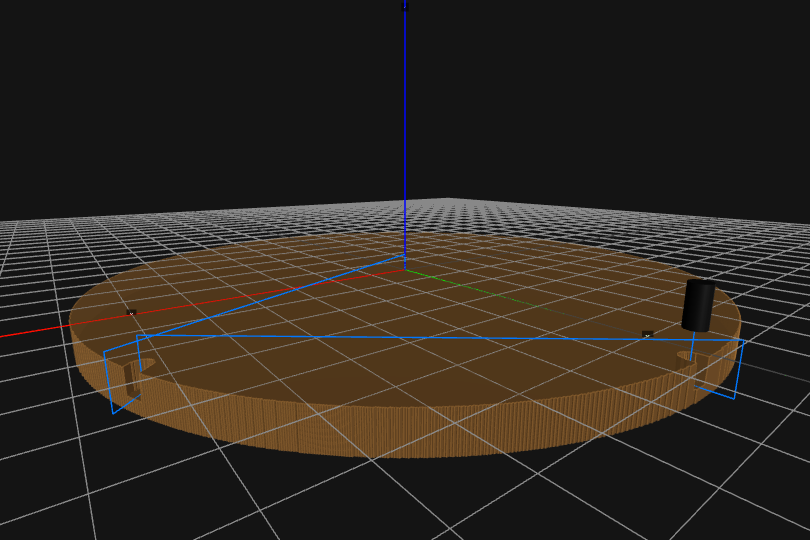
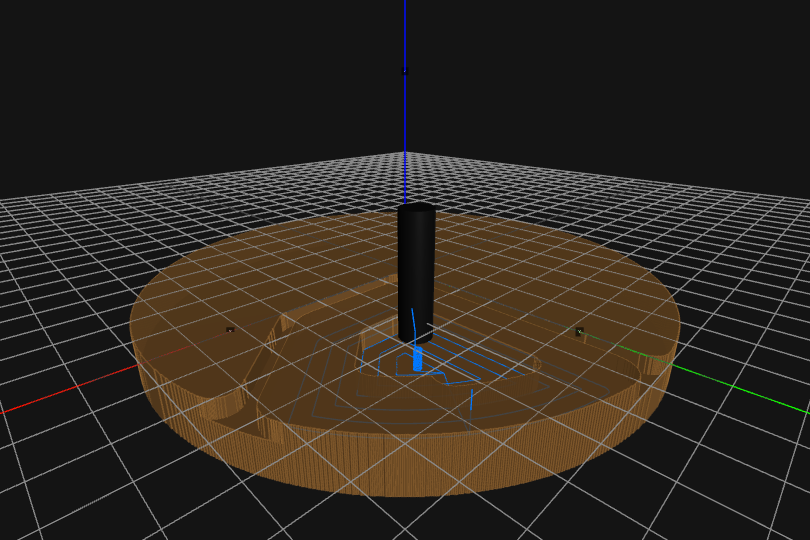
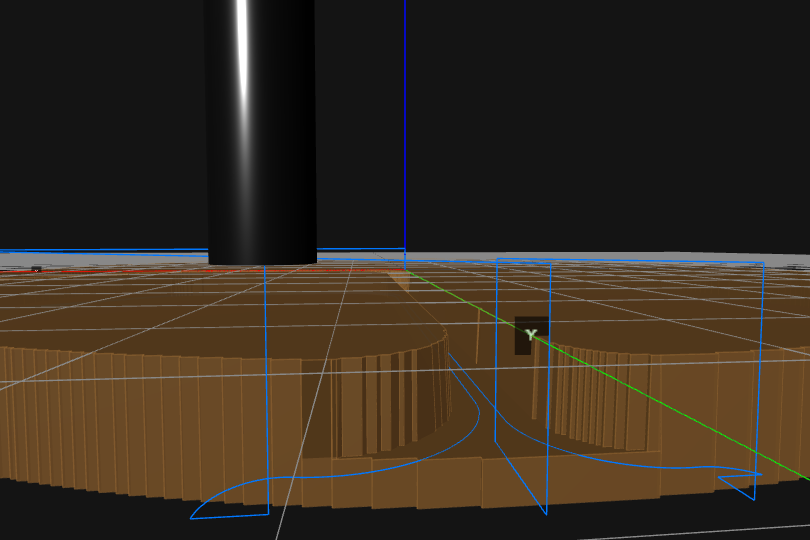
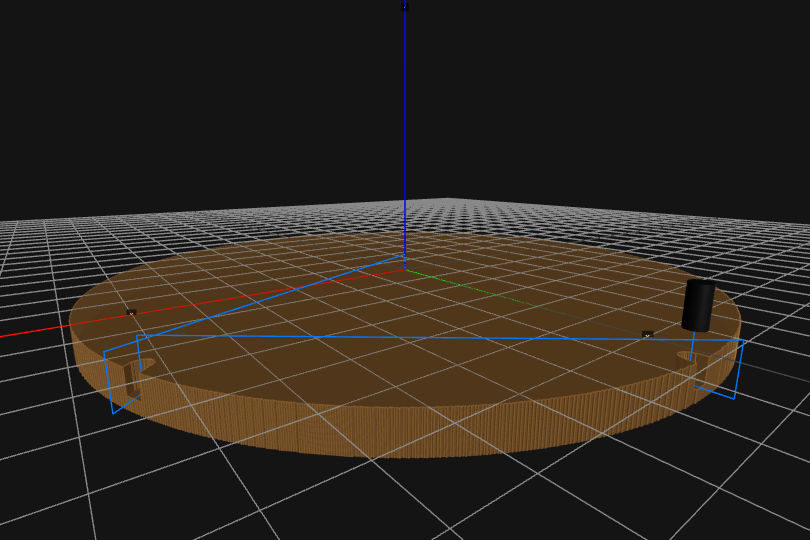
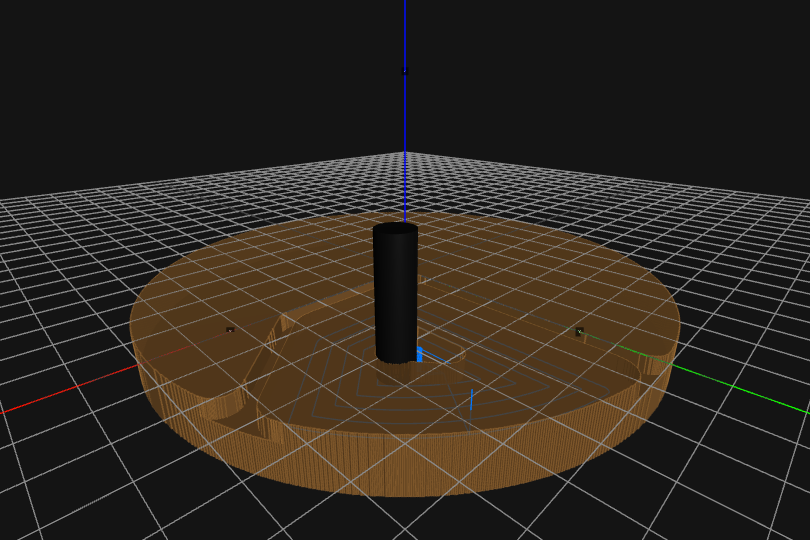
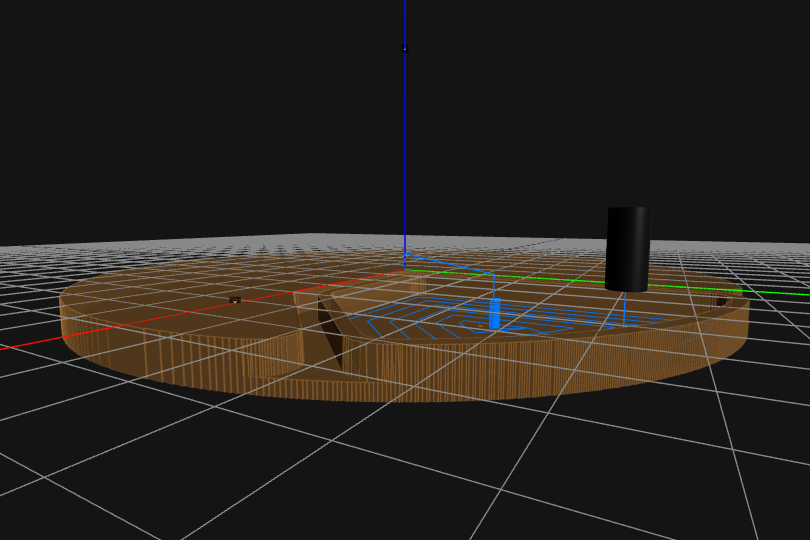
Visual verification before any material is cut. Confirm every toolpath is correct before the machine runs.
Solid model visualisation and downstream use. See your component in 3D before it reaches the machine.
The machinist who uses XyzPilot is not a lesser machinist. They are a machinist who has stopped doing arithmetic and started doing machining.
Watch how XyzPilot's transient preview system shows geometry results in real time — reducing errors and speeding up your CNC workflow.
Geometry updates instantly as you enter values — no guessing, no mistakes.
Geometry is only created when you confirm — giving you full control at every step.
Visual verification before committing reduces geometry mistakes and rework.
From geometry creation to CNC output — faster and more efficient than ever.